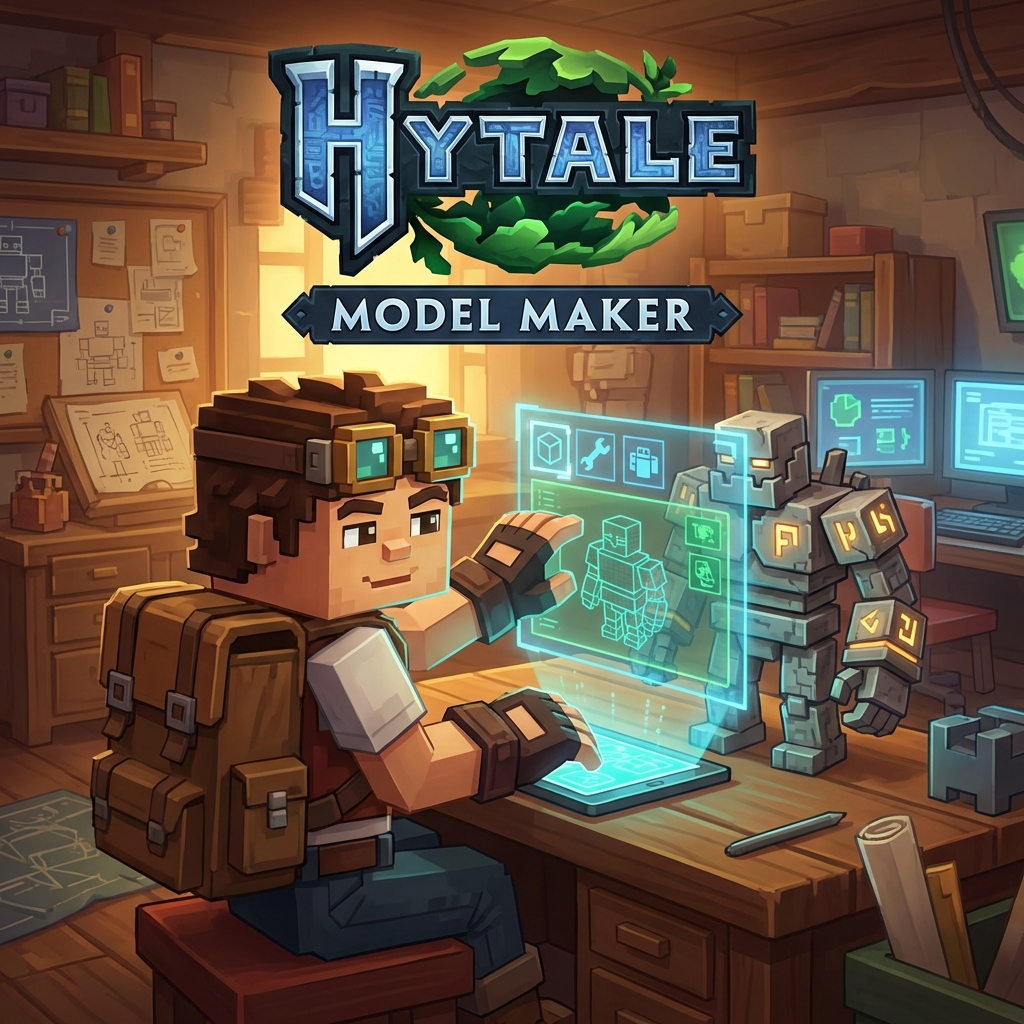
Hytale ships with its own 3D modeling tool. Not a third-party add-on—an official application built specifically for creating game content.
What It Does
The Hytale Model Maker (HMM) handles:
- 3D modeling for entities, items, and structures
- Texturing with built-in tools
- Animation for mobs and characters
- Direct export to game format
One tool for the whole workflow.
Animation Features
The dev team released timelapse videos showing zombie animations being built in the HMM. Features include:
- Keyframe animation
- Skeletal rigging
- Real-time preview
- Game-ready export
Works With Other Software
You can use external image editors alongside the HMM. Edit textures in Photoshop, bring them back into the Model Maker. Gradient mapping, layer blending—whatever your preferred editor supports.
What People Use Now
The HMM isn't out yet. Creators making Hytale fan content use:
- Blender — Full 3D suite, steep learning curve
- Blockbench — Minecraft-style modeling, easier to learn
- CraftStudio — Closest to what the HMM will probably feel like (Hytale hired the CraftStudio devs)
Why It Matters
Most games make modding hard. Hytale built modding tools from the start:
- Designed for beginners and pros
- Integrated with the game engine
- Modeling, texturing, animation in one place
- Free with the game
Get Ready Now
While waiting for the HMM:
- Learn basic 3D concepts in Blender or Blockbench
- Study Hytale's art style from screenshots and trailers
- Join modding Discord servers
- Try CraftStudio for similar workflow practice
Related
- Programming Guide — Languages used in Hytale
- Interactive Map — Explore the world you'll be modding